Showing posts with label Tips. Show all posts

Friday, June 12, 2020

Top 30 Art Teacher Blogs of 2020


I'm always looking for more places to find quality Professional Development. Here is a list of Art Teacher blogs for you to get started with. I'm happy that MiniMatisse has made the cut! Be sure to visit and vote at Ranked Blog.


Tuesday, May 19, 2020

Hassan Art Studio, K-2 Art Show

It's the end of the school year and we are celebrating students work in a big way at Hassan Elementary. Welcome to the digital gallery for kindergarten through second grade. Our K-2 at ISD728 uses Seesaw as a digital platform. Each frame below is linked to a Seesaw blog.


For a final project, students have been asked to create a tutorial to show us how to make something. I gave two options to create a tutorial and some students even created a video to share their 'lesson' with their peers. In the final week of school, Hassan students will be asked to learn from each other. They will be challenged to find a lesson that their peers have made and create something new. I really think this is a fun way to celebrate the Artists that we have at Hassan Elementary. 

If you like this idea, feel free to use it. Below is a video that shows how I created the digital Art Show and why I created it in this way.


If you want me to slow down on how to create and find the best images for a slide show... here is another video focused on just that.


Thursday, April 30, 2020

BILLY KHEEL IS LIVE TODAY!!


Remember that time that Billy Kheel came to Hassan Elementary?? Yah... that was fun. It was so much fun that our district placed him and the Hassan Crow River project in the calendar for April...


Oh yah... and if that wasn't enough... our district was so proud to bring this famous Maker to Hassan Elementary that he was also on the COVER of our year long calendar!!


You guys!! GUESS WHAT?? He is going live TODAY!! Thursday, April 30 at 2pm CST (12 noon, PST). You will have to have Instagram or access to Instagram to watch it live. You know the show he was on, Making It? Well they are doing a #MakingitatHome Challenge. This week the challenge is to use cardboard to make with.


If you miss the 'LIVE' it's archived a the same link. You can watch it when it works for you.

Last week I participated when the challenge was to make something with the loan sock.  I made this 'Zoom' Meeting with little sock heads.


Let me show you how I made the head...

I used three socks, Polyfil, a rubber band, scissors and fabric paint for the face. 


1) Stuff a colored sock with some Polyfil. Don't have any? Open up an old pillow and use that stuffing, use other socks to fill the space, how about some paper, use paper? Use what you have, I just happened to have Polyfil. I used a rubber band at the bottom of the stuffing to keep it in place.


2) Place a light weight, long sock at an angle and tie the sick into a knot. 


3) put a SMALL hole in the sock. Place the first knot through the hole. 


Then knot the other sock to match the first one. 


4) Paint the face up. You can see I'm using fabric paints but you could try marker, or glueing Googly Eyes on. Use what you have... I just happen to have fabric paints. 


The body is just paper and buttons. I needed some glue as well and I used hot glue for this. You could use a tin can and decorate that. Maybe a toilet paper tube... USE WHAT YOU HAVE!! 


There is one Folk Art style Sock Head Person!!! 


Tuesday, April 28, 2020

Using Flipgrid for Distance Learning

Dear Hassan Art Students who are using Flipgrid... This is a message for you! 

Did you know you can see all your Flipgrid's at once?? Did you know you could see the feedback from your teachers?
You can and here's how. 

1) Go to any of the Flipgrid's you have been invited to. 
2) Click on your name at the top left


3) Then click on MyFlipgrid (also top left corner)


4) You will see all the Flipgrid's you have ever been invited to.


5) Scroll down to see feedback from your teachers


6) Click on the Blue View to see your video and below the feedback, you received from your teacher. 


Here are some more videos to help out if you are a teacher using Flipgrid or if you are student who learns better from a video. Parents can benefit from this as well. Ask your student to show you the Flipgrids they have shared with their classes. 


Saturday, April 18, 2020

Fashion Week- Fashion using Google Draw


For Fashion Week (April 20-24th) for Hassan Elementary, Distance Learning Art Studio... I'm excited to give you an option that will allow you to learn how to use Google Draw.  If you choose to make this Digital Fashion design, you have two options... Watching the first video for the basics of Google Drawing (7 minutes) OR ALSO... watching the second video as well to learn how to create a more advanced project (11 minutes).


Here is an example of how to create a very basic fashion statement. Here is the video (7 minutes) to support it. 


This one is much more advanced! This is for the student who want to learn how to use the tool of Google Draw in a very advanced way. Warning... this project might take some time because you'll want to watch the beginner video (7 minutes) and the advanced video (11+ minutes). Then you make time to play around with the tool... but let me tell you, it's a lot of fun! 


For ISD728 students specifically, here is a video (3 Minutes) of how to share your Google Drawing with other.

Wednesday, April 15, 2020

Posting a Photo in a FlipGrid Response


I'm really excited about this!! First, the information that students need to know about adding an image in FlipGrid is available now.  MORE IMPORTANTLY, I was able to highlight a student leader even if we are Distance Learning. Thanks Easton for helping your teacher out today!!  


Sunday, April 5, 2020

Virtual Art Gallery Walk


Students REALLY rocked the Architecture lesson for the week! I'm navigating these waters of how to share Art with everyone and I thought I would do a 'Virtual Art Gallery Walk'. It was hard for me because we have over 750 students... So I chose some from each class to share. I waned to get all ranges of skills and projects... Here is what I came up with. I shared it with the families of Hassan Elementary.

Sunday, March 29, 2020

Call to Art: An Un-Conference for Art Teachers


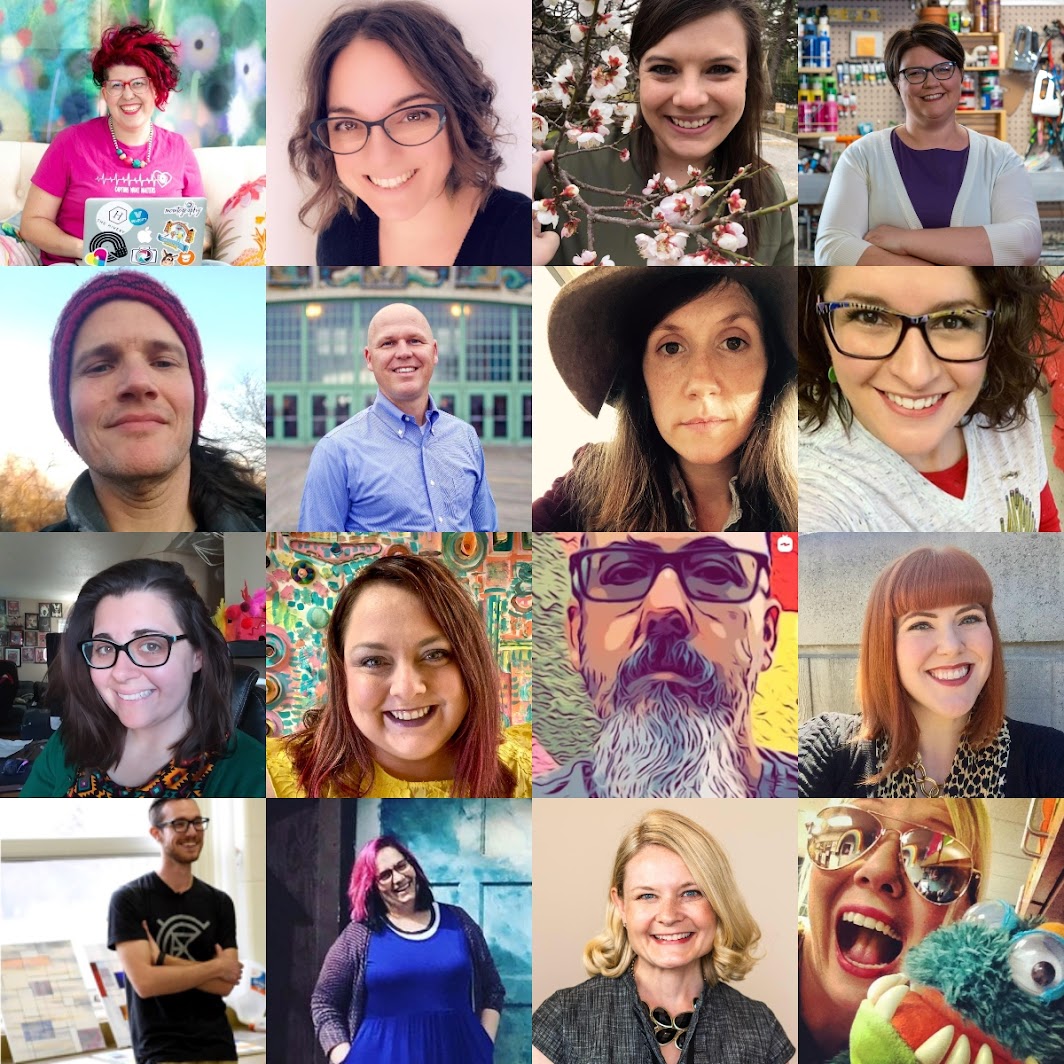
Cindy Ingram and her team at Art Class Curator have enlisted many Art Educators to present at a FREE online Un-Conference. It's been a lot of work for all... but with a lot of passion, so it's been amazing to be part of it. Here are just some of the faces you will see if you join us for the un-conference...


If you would like to see the conference, simply sign up, click here. I will see you on Monday, March 30th. I'll be presenting on the following. 

Distance Learning: Creating a Choice-Based Art Studio for At Home Learners
Nic Hahn
This presentation shows Nic's planning process in the ever-changing world with Covid-19. The information shared in this presentation will change and develop as the weeks continue. Nic will continue to update the processes of her plan on her blog and on social media. Distance Learning can look different for all of us, as our classrooms do as well. Nic's school classroom has been set up as group instruction this year. She has chosen to adapt to the large class sizes by giving more group assignments and less choice. With the change in education currently, her class sizes have reduced in a way. She's able to give her students a choice. By doing this, she is meeting the needs of most of her students and allowing them to choose a process or project that best matches their ability level and interest. She hopes this will create an opportunity for students to be passionate about how they are experiencing their Art Education.

The presentation requires an update... Distance Learning has forced us into continuous learning adjusting and so here we are... This is what I am presenting to my students today... March 30th. The first day of distance learning. I have made a Google Slide show to share with them on a classroom spread sheet (provided from their homeroom teacher), on Seesaw (for K-2 Grade), as well as on Schoology (3-5th Grade). These are the platforms that my district uses. 

Slide #1: 

Slide #2:

This is an image of the slide... however the links are all live... not so much for the students, but more for the parents to connect with me if needed. I also help that the kids will use the resources I've made for them like my YouTube Channel (linked at the top of my blog... see above).


Slide #3

Again, in the slideshow, all the links are available and the video is embedded so the kids can just click and view. The links are to the other slides in the presentation. The video highlights the expectations of the week. 


Slide #4

Every week I will have a new theme... The theme of the week has it's own slide. The main video gives a QUICK explanation of the theme and the choices the students have to create their project. I mention they can do this on their own, or the whole school has the same theme so students can work collaboratively as siblings. The other videos I have are just fun videos revolving around the theme. 

Note: I have the Theme Video on my YouTube the week before however, I have set the video to Premier so it will not be able to be viewed until the week of distance learning starts. 


Slide #5

This is the choice board for ALL students for week one. They get to choose one project, take a picture and post it to Seesaw or upload it to their Google Drive. 3-5th Grade has practiced putting it in their work into a folder titled Art.


Slide #6

This page is all about uploading their work. Students have practiced this a ton in my classroom so this is just to help the parents and the students who need the reminder. 


Slide #7

This is an extra slide that is built for my Gifted and Talented kiddos or those who have a high interest in Art. Again... all the links are live and I have checked with my tech department to make sure they are all open to students. 


I have chosen to share screenshots rather than this slideshow presentation so that you can see what I've created... but it was made for my students.  A lot of this content is specific to my classroom or to the skills my students already have. 

Tuesday, October 15, 2019

Kindergarten Pumpkin Patch


Kindergarten is focusing on identifying and making shapes in the first trimester. Skills we are working on is proper use of different media, cutting, and gluing. This project has it all. We started out by using different mediums... 


Then we went over how to make a circle in the air. Please see this post of how I get the littles to join me in a little pretend. (Click Here) The magic tool is the BEST!! The following video is given to the kids in pieces. They work on one section at a time. 


There is always a variety of skill levels from the young artist. 


Then, week two we work on turning our circles into a patch. Here's how... 


Cutting is the hardest part for my kindergarteners at the start of the year.  We just keep working and working on it!! 


Glueing can be quite a challenge as well! 


Again, the results are varied! It's fun to see the variety in this lesson... most kids feel successful! 

Monday, October 7, 2019

3-D Heart Lesson


My theme this year is 'Use What I have' so for my Art to Remember project this year I decided to use some oil pastel, bright and bold scrapbook paper, and some fun techniques I was reminded of this summer after spending time with Lauralee Chambers or you might know her as @2art.chambers. 

Mrs. Chambers is a genius.  I went to her website to be inspired and sure enough, I ran across this post.  It was perfect. While at the Tennessee Arts Academy this summer Lauralee showed her 'students' how to do a tissue paper bleed. That is what you see in the background of these works of art. I did that for my 3rd grade, but then for my 2nd grade we did another technique inspired by Lauralee as well in her guest blogging lesson 'Alphabet Soup'. I used here marker bleeds for the background with my 2nd grade.


Examples of the Marker Bleed


Examples of the Tissue Paper Bleed


For my 3rd-grade I asked them to do a practice in their sketchbook. The video below is the lesson they did with me. 


The next time they came into class they had the following sketchnote on the smartboard to help guide them through the process. They also are just learning how to keep a sketchbook, so if they completed their final project, they then drew these process steps into their own sketchbook. 


I was trying to give the 3rd-grade students more independence in the Art Studio. I'm still asking them to create a prescribed work in a prescribed way, but they have to go through the process, know where to find resources, and find supplies within the classroom with little help from me.


For the 2nd grade there was a little more step by step and easy completion. This was the video that we used for the 2nd grade.